Wi-Fi Range Extenders In Rockbank
Wi-Fi Range Extenders Experts
Licensed CCTV, alarm, intercom and access control installation across Melbourne's west. We look at your property first, quote a fixed price, and hand the system over working.
A booster plugged into a hallway power point is not a Wi-Fi fix, it is a way of getting a weak signal in two places instead of one. Visionova Security designs and installs proper wireless coverage across Rockbank, Aintree, Melton, Caroline Springs, Tarneit and the western corridor, using mesh systems and cabled access points positioned from an actual signal survey rather than guesswork. Because we run Cat6 as part of our security work, we can feed each access point with its own cable, which is the single change that separates a mesh network that works from one that halves its speed at every hop. Typical jobs are a double-storey home with a dead upstairs bedroom, a long single-storey block where the back rooms drop out, a garage or granny flat with no usable signal, or a small business with patchy coverage across a warehouse. Call 0485 702 206.
GET A FREE QUOTE
Visionova Security
Extenders, Mesh And Cabled Access Points: The Three Approaches
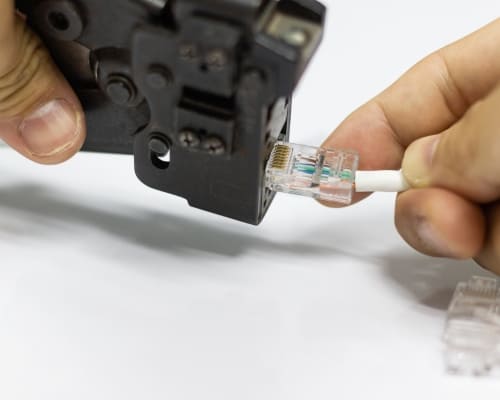
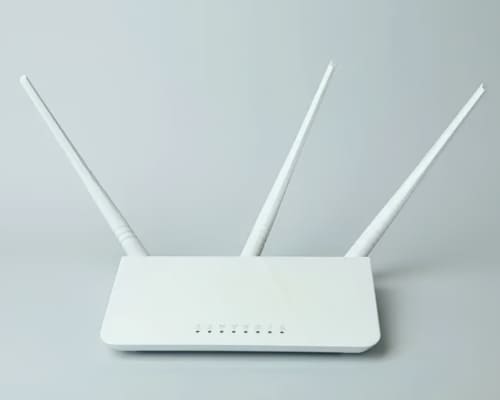
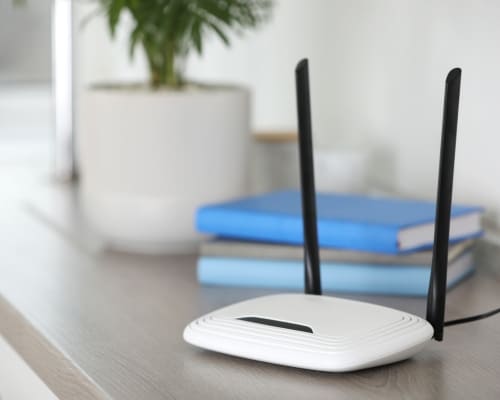
The usual sequence is this: one room has bad Wi-Fi, somebody buys a booster, it helps slightly, then a second room goes bad and a second booster appears. Two years later the house has three devices, four network names, and a family that has stopped expecting it to work upstairs. A range extender is a single device that receives your existing signal and rebroadcasts it. It is cheap, it takes ten minutes, and it has a structural flaw: because it talks to the router and to your devices on the same radio, it typically halves the available throughput, and it usually creates a second network name that phones cling to long after they should have handed back. It suits one specific case, which is a single stubborn spot in a small home where nothing better is practical. A mesh system uses two or more nodes designed to work together, handing devices between them seamlessly on a single network name, and is the right answer for most houses across the estates. A cabled access point is a mesh node fed by its own Cat6 cable instead of a wireless link, usually mounted on a ceiling and powered over that same cable, and it is what commercial sites use because it does not degrade with distance. The three are not really competitors so much as a ladder, and where you land on it should be decided by the shape of your house and where the internet connection enters it rather than by what is on sale. Most homes we work on end up with two or three access points, at least one of them cabled.

Visionova Security
How We Survey, Position And Configure Coverage That Holds Up
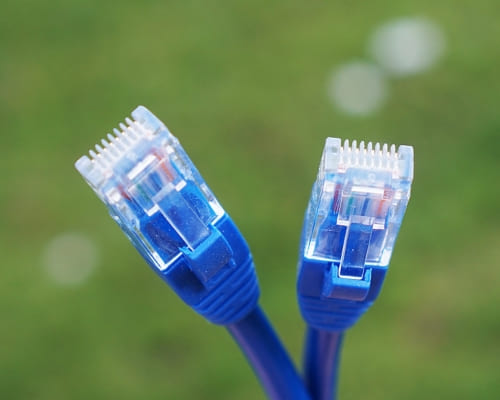
The work starts with measurement, not with hardware. We walk the property with a survey tool and record actual signal strength and noise in each room, which routinely shows that the dead spot is not where the customer thinks it is. Positioning follows from that, and the rules are unglamorous: an access point wants height and open air, not a cupboard beside the fridge, and the brick veneer construction typical of the estates attenuates 5 GHz far more than most people expect once it passes through two internal walls and a plasterboard bulkhead. Band selection matters, because 2.4 GHz travels further and penetrates walls better while 5 GHz and 6 GHz carry far more data over shorter distances, and a network that has not had its channels planned will fight with the neighbours' networks in a street where every house sits ten metres apart. Backhaul is the decision that determines everything else. Wherever we can, each node gets its own Cat6 run inside the 90 metre permanent link limit, with a 25 mm minimum bend radius respected and 20 mm conduit with galvanised saddles anywhere the cable leaves the building, and it draws power over that same cable so no power point is needed at ceiling height. We then set band steering, minimum signal thresholds so devices actually roam instead of clinging, and separate guest access, and we re-survey afterwards to prove the result rather than assert it. Every access point we cable is fed by the same Cat6 run we use for data points installation, and that single decision is what separates a mesh that performs from one that halves its speed.
Visionova Security
Why A Security Installer Is The Right Person For This Job
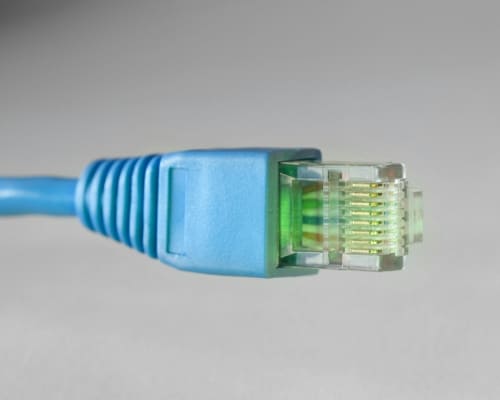
This looks like an information technology job and it is mostly a cabling job, which is why it fits alongside camera and intercom work rather than sitting apart from it. The hard part of good wireless coverage is not configuring the software, it is getting a cable into a ceiling in the right place, and that is exactly the skill set that runs camera cable through a truss roof every week. There is a second reason it matters here specifically. Almost every security system now depends on the network: cameras stream to an app, intercoms ring a phone, smart garage controllers need a signal at the far end of the house, and alarm panels report over the internet. We see it in the double-storey builds off Centenary Boulevard in Harkness and in the long single-storey blocks near Gourlay Road in Taylors Hill alike. We see the consequences constantly, where a perfectly good camera system gets blamed for being unreliable when the actual fault is a wireless network that cannot reach the garage. Fixing both at once, with one set of cable runs, costs far less than treating them as separate problems. Gurjit holds Victorian Private Security Individual Licence Z70-718-31S, and cabling connected to the telecommunications network is carried out under ACMA registration and the AS/CA S009 wiring rules, so the work is compliant as well as tidy. It matters for security specifically because smart devices, app alerts and remote viewing all depend on it, while a properly hardwired CCTV installation does not.
Visionova Security
What Fixing Your Wi-Fi Costs
There are two components: hardware and labour. On hardware, published 2026 Australian pricing puts a single range extender between $60 and $250 depending on quality, a two-pack Wi-Fi 6 mesh system between $250 and $450, and premium three-node systems around $550 to $600. On labour, a straightforward setup and tune of a mesh system you have already bought commonly sits between $150 and $350, covering the survey, positioning, configuration and testing. Where we cable an access point, add the cost of the data run itself, which is $150 to $300 per point on published Australian pricing. A realistic figure for a typical double-storey home in the western estates, with a three-node mesh and one or two cabled backhaul runs, therefore lands somewhere between $600 and $1,200 supplied and installed. Small business and multi-building sites are quoted individually, and published Australian pricing for professionally designed small office mesh networks runs from around $550 to $1,200, rising to $1,200 to $2,400 across two or three buildings. If we are already on site running camera cable, adding access point backhaul is materially cheaper because the roof access and the cable route are already open. These are market ranges, not a Visionova Security price list. Call 0485 702 206.
Visionova Security
Extender, Mesh Or Cable: What To Buy For Your Situation
If you have one bad room in a small house and a tight budget, a good extender placed halfway between the router and the problem is a legitimate answer, provided you accept the speed penalty and set it to use the same network name. If you have a standard four-bedroom house on an estate lot, a two or three node mesh is the right purchase, and it will outperform three separate extenders comfortably. If you have a double-storey home, a long block, a detached garage or a studio at the back, cable is the answer and everything else is a compromise you will keep paying for in dropouts. The honest summary is this: mesh with wireless backhaul is good, mesh with cabled backhaul is dramatically better, and the difference in installed cost is usually one or two data points. There is also a case we see often enough to name, which is the household that has bought three extenders over four years and spent more than a properly cabled solution would have cost in the first place. Before you buy anything else, it is worth having somebody measure what you actually have, because the right answer is frequently cheaper than the next device. If the dead spot is the garage, the fix frequently comes up alongside smart garage door controllers, since the controller needs a signal at the far end of the house to be reliable. Before you buy another device, call 0485 702 206 and let us measure what you actually have. The survey and the quote are both free.
Related Concreting Services
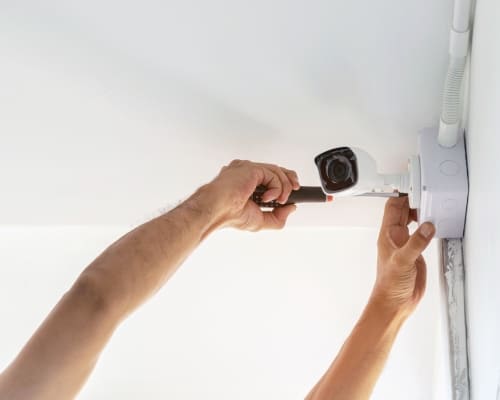
Cameras offline, night vision washed out, or the recorder no longer recording? We diagnose and repair security camera systems across Melbourne's west, including systems we did not install, and tell you honestly whether to repair or replace.
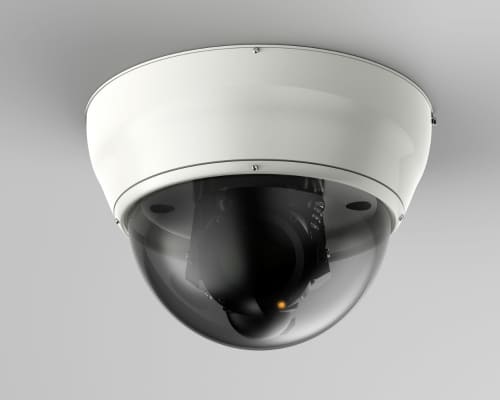
Professionally designed and installed security camera systems for homes and businesses across Melbourne's west, hardwired and recorded locally. Fixed written quote before we start, and the app set up on your phone before we leave.
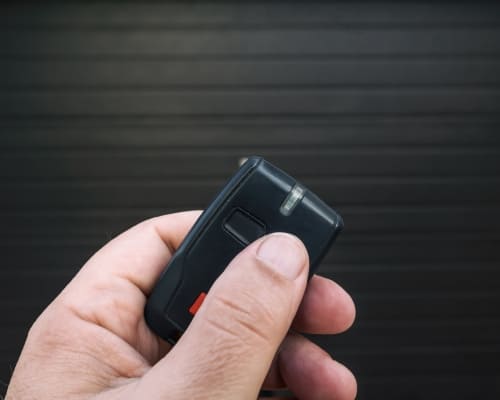
Turn the garage opener you already have into one you control from your phone, with a real door-state sensor and an alert when it has been left open. Smart control and automation only, fitted to your existing motor.
TESTIMONIALS
What Our Wi-Fi Range Extenders Customers Say About Us
The Process
3 Step Process For Your Wi-Fi Range Extenders Needs

On-Site Security Assessment
We walk the property with you, check entry points, sight lines and cable routes, then recommend only the equipment your home or business actually needs.

Fixed-Price CCTV and Alarm Quote
You get a written price before anything starts, itemised by camera, sensor or point, with no hourly rate creeping up and no surprises on the invoice.

Licensed Installation and Handover
We install, test every device, set the app up on your phone and show you how it works before we leave your property.
Wi-Fi Range Extenders In Rockbank
FREQUENTLY ASKED QUESTIONS
Everything you need to know about our Wi-Fi Range Extenders In Rockbank
Are Wi-Fi extenders actually worth it?
Sometimes, in a narrow set of circumstances. A single extender in a small home, placed roughly halfway between the router and the dead spot and configured to use the same network name, will genuinely improve a weak corner. What it will not do is deliver full speed, because it receives and rebroadcasts on the same radio and typically halves throughput. If you have already bought two or three of them, that is a sign the underlying problem is coverage design rather than signal strength, and a mesh system or a cabled access point will cost less than the next extender.
Which is better, a Wi-Fi booster or an extender?
They are two names for the same category of device, and the marketing distinction is not meaningful. The real comparison is between that category and a mesh system. A booster or extender repeats an existing signal and halves throughput in the process; mesh nodes are designed to work together, hand devices between them on one network name, and keep far more of the speed. If you are choosing between a $150 extender and a $350 mesh pair, the mesh is almost always the better purchase.
What are the disadvantages of mesh Wi-Fi?
The main one is that wireless backhaul, where nodes talk to each other over the air, costs throughput at every hop, so a three-node chain can deliver noticeably less speed at the far end. The second is cost, since a decent mesh kit is several times the price of an extender. The third is that people place the nodes badly, usually too far apart or tucked behind furniture, which undoes most of the benefit. All three are solved the same way: fewer nodes, better positioned, with at least one fed by a Cat6 cable rather than over the air.
Can I add mesh Wi-Fi to my existing router?
Usually yes. Most mesh systems can run in access point or bridge mode behind an existing router, which keeps your provider's modem functions intact while the mesh handles all the wireless. In some cases it is cleaner to put the provider's box into modem-only mode and let the mesh do the routing, which avoids two devices both trying to manage the same network. Which approach suits depends on your internet service and hardware, and it is one of the things we sort out during setup rather than leaving you to work out from a forum.
Why is my Wi-Fi bad upstairs or in the garage?
Because signal has to pass through building materials, and the brick veneer, plasterboard and insulated ceilings common across the western estates absorb a lot of it, particularly at 5 GHz. A garage is usually worse again because it sits at the far end of the house behind a masonry wall and often a metal door. The fix is not more power at the router, which is capped by regulation anyway, but a second radio closer to the problem. Where that second radio can be fed by a Cat6 cable, the problem disappears entirely rather than improving slightly.
Will better Wi-Fi make my security cameras more reliable?
It will make wireless cameras and smart devices more reliable, and it will make remote viewing smoother. What it will not do is affect a properly installed hardwired camera system, because those cameras run on Cat6 back to the recorder and never touch your Wi-Fi at all. That is one of the main arguments for hardwiring cameras in the first place. Where Wi-Fi genuinely matters for security is the smart garage controller, the wireless sensors and your ability to watch footage remotely, and upload speed rather than download speed is what limits that.
Request A Free Wi-Fi Range Extenders Quote
GET A FREE QUOTE
BUSINESS
SERVICES
SERVICE AREAS
OPERATING HOURS
Sun: 7:00am - 9:00pm
Mon: 7:00am - 9:00pm
Tue: 7:00am - 9:00pm
Wed: 7:00am - 9:00pm
Thu: 7:00am - 9:00pm
Fri: 7:00am - 9:00pm
Sat: 7:00am - 9:00pm